Uber Direct Driver through POS
1. Start a Delivery Order
2. Add customer details / Select delivery time if required
3. Add items to the order
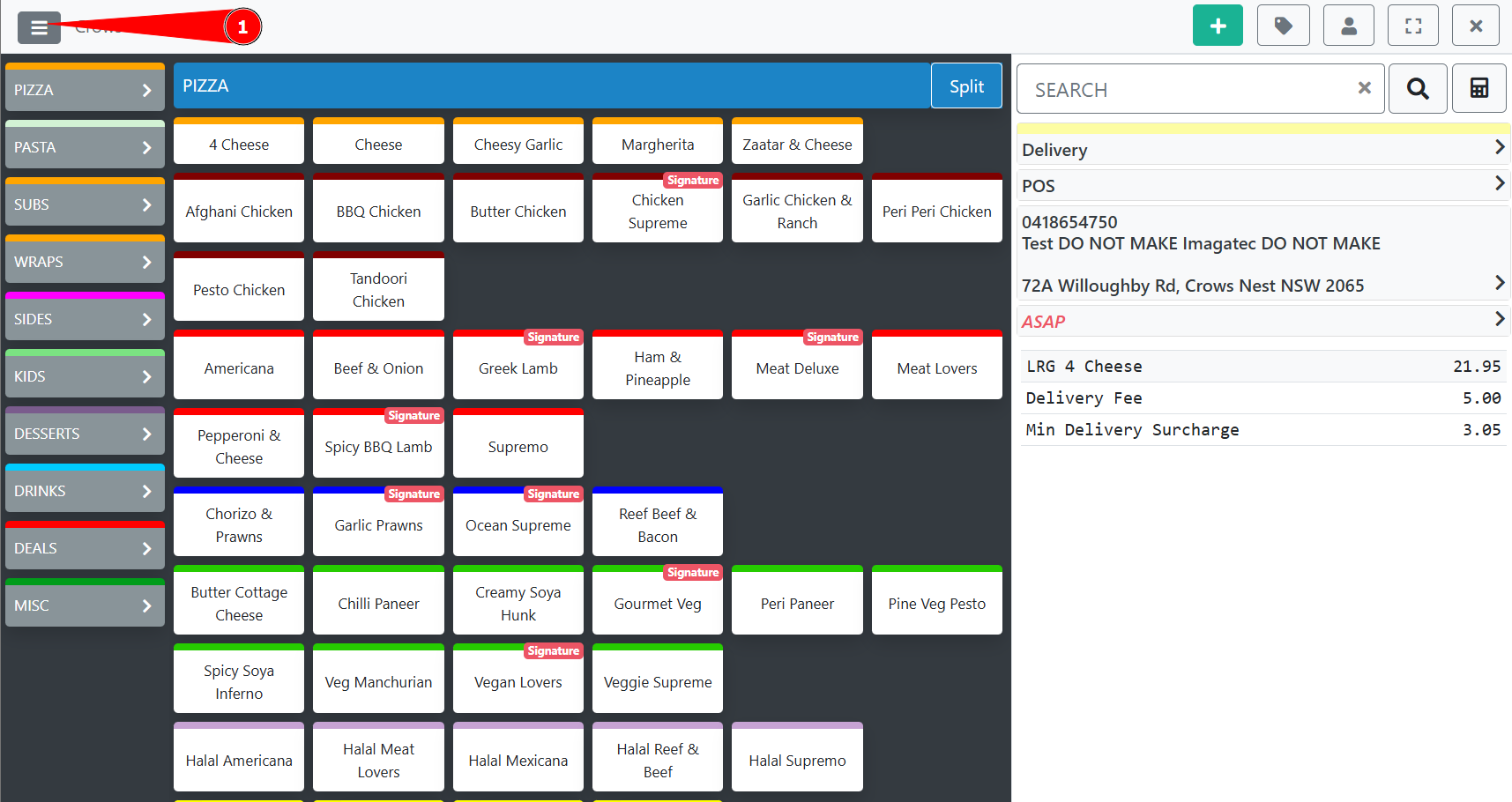
4. With all of the above completed click the menu in the top left
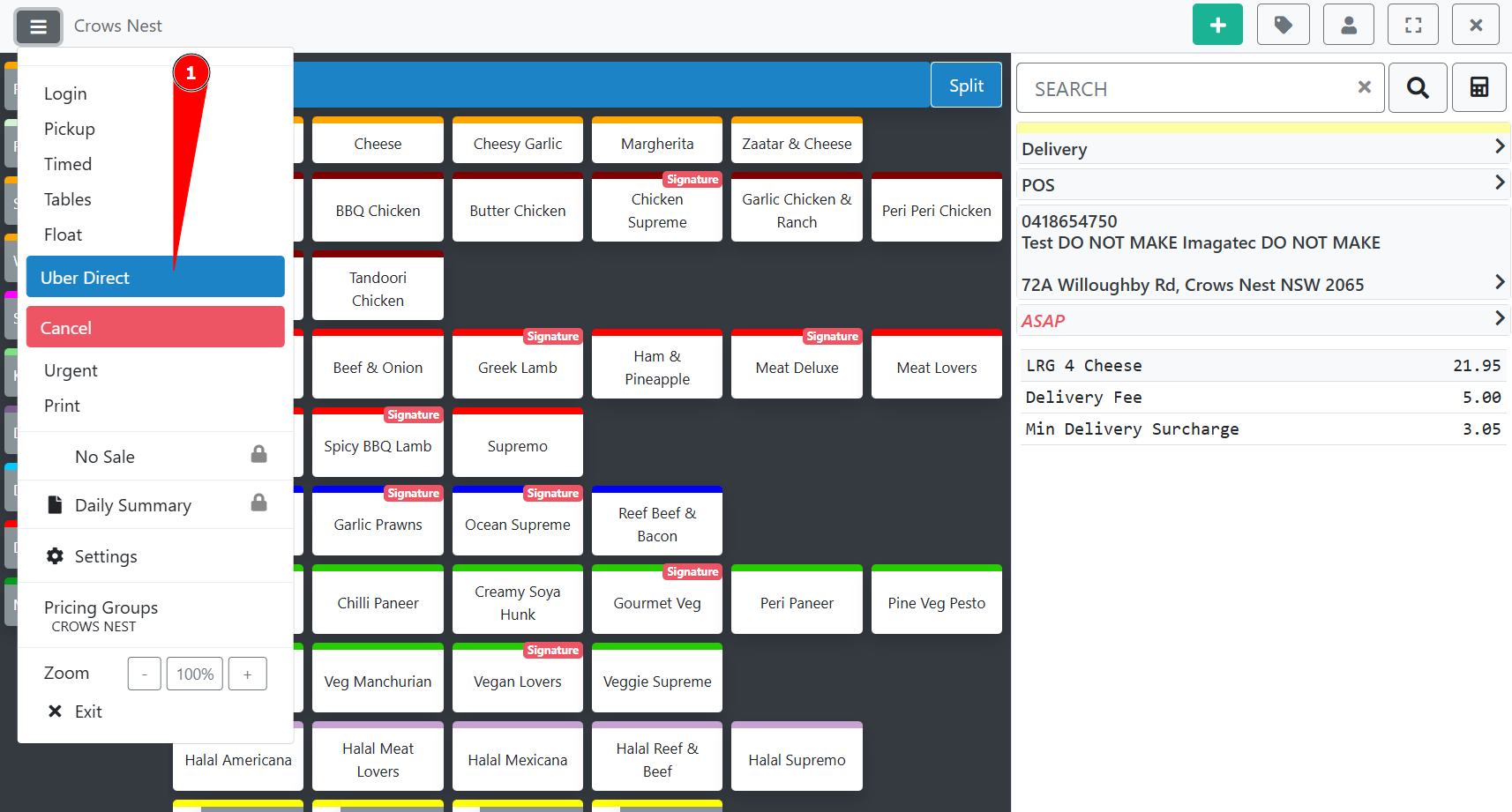
5. Select “Uber Direct” from the drop down menu
6. Request a Delivery Estimate by clicking the button, this will display the estimated fee and pickup time.
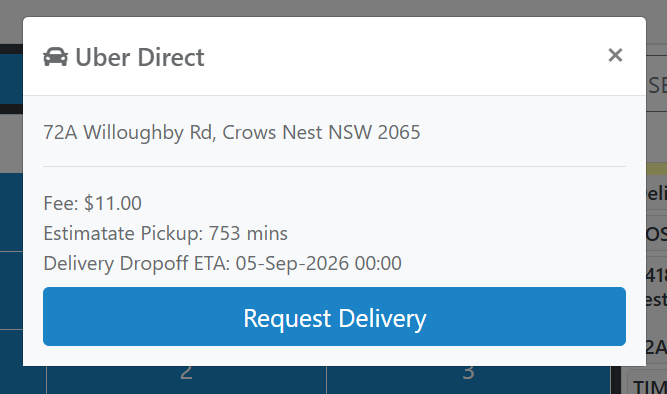
7. If there is no issue with the estimate, request the Delivery
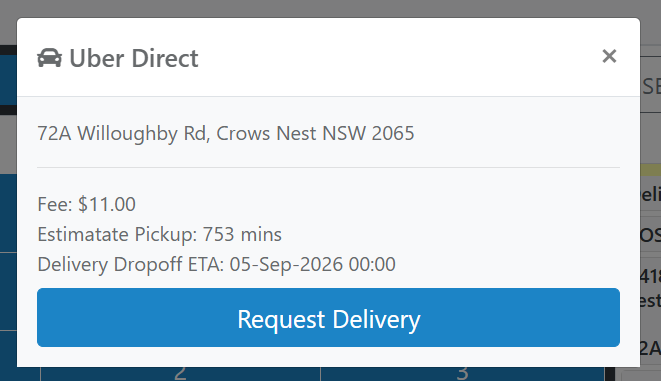
8. Uber Direct will confirm the delivery and the popup will display the details
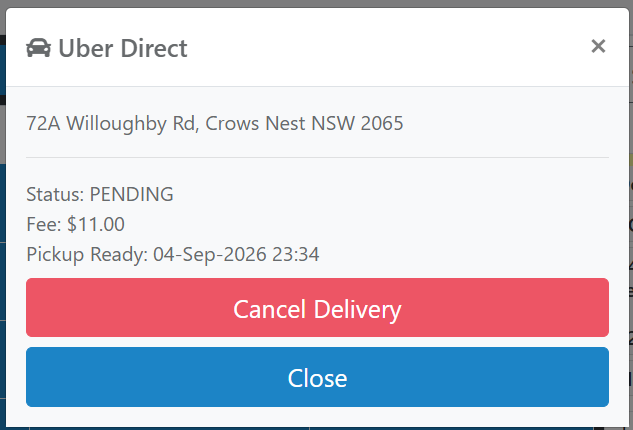
To cancel a delivery, open the order, click the menu in step 4, then select “Uber Direct” from step 5, then click “Cancel delivery” shown in the above image.